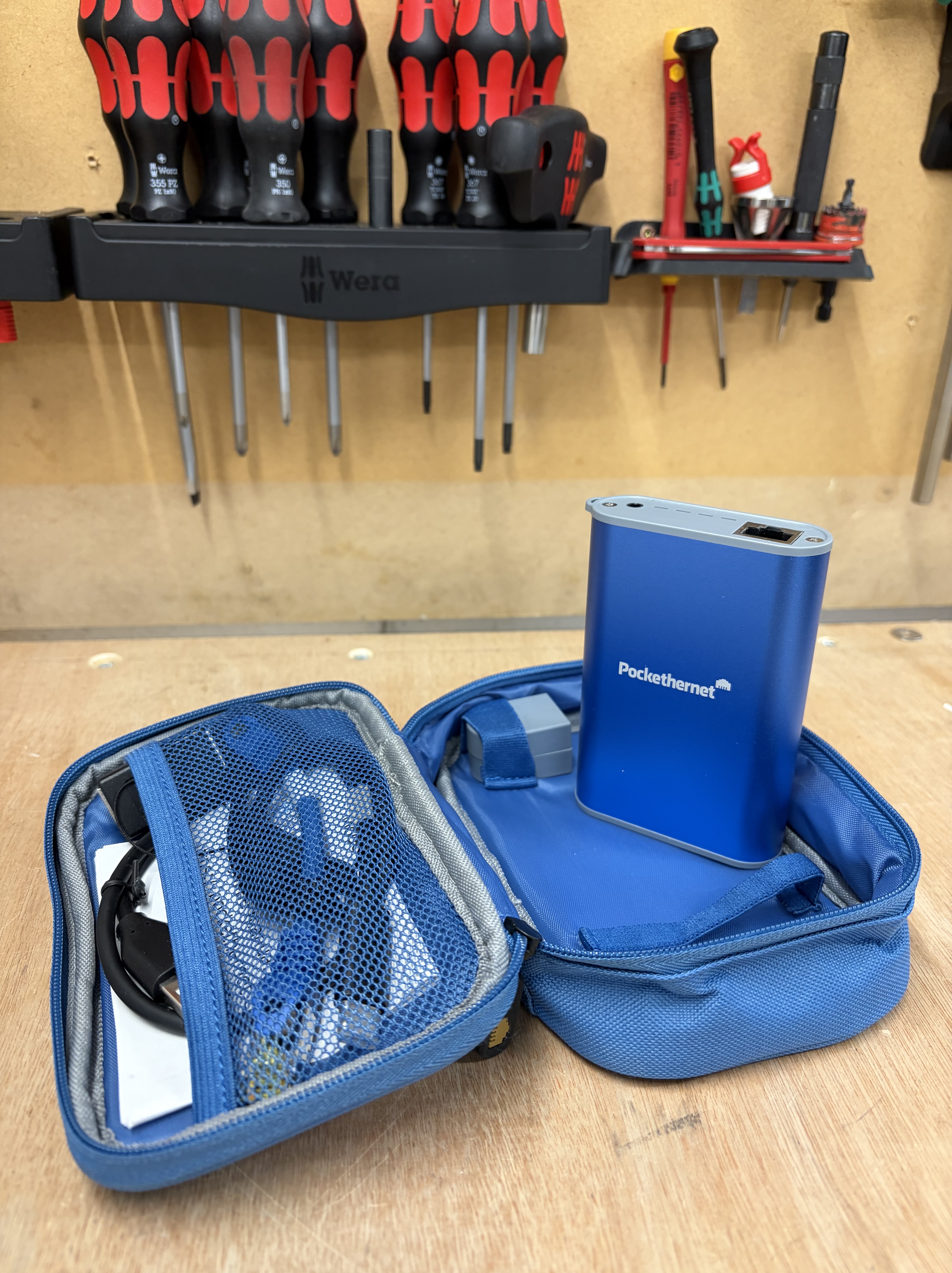
The Pocket Ethernet 2 is a fantastic little tool for around £200 and I use it all the time to verify port configs when deploying large marine installations. With the ability to verify cables are good with the wiremap feature to plugging into ports and capturing the CDP info from a cisco switch its a really useful little thing.
The Pockethernet 2 is a handheld Ethernet cable and network analysis tool that connects to your phone over Bluetooth, all results appear in a clean mobile app on iOS or Android and you can export PDF reports directly from it (Great feature at this pricepoint).
Here’s a quick rundown –
Wiremap — checks all eight pins are correctly terminated, identifies shorts, opens, split pairs and miswires against TIA 568A/B
TDR (Time Domain Reflectometry) — measures cable length and generates a graph of signal reflections, flagging any imperfections like bad terminations or extenders
Link speed and duplex — detects autonegotiation advertisements from 10M all the way to 10G, so you can spot mismatches immediately
PoE — measures voltage, identifies PSE type (AF/AT/BT) and class, and can run a load test including on passive injectors
DHCP — sends a DHCP request and shows the returned IP, DNS servers and gateway
CDP/LLDP discovery — reads Cisco and vendor-neutral discovery packets directly off the wire (more on this below)
VLAN detection — identifies VLAN tags on trunk ports
Tone generator — generates a signal on any of the four cable pairs for use with a separate tone probe, useful for tracing cables in a bundle
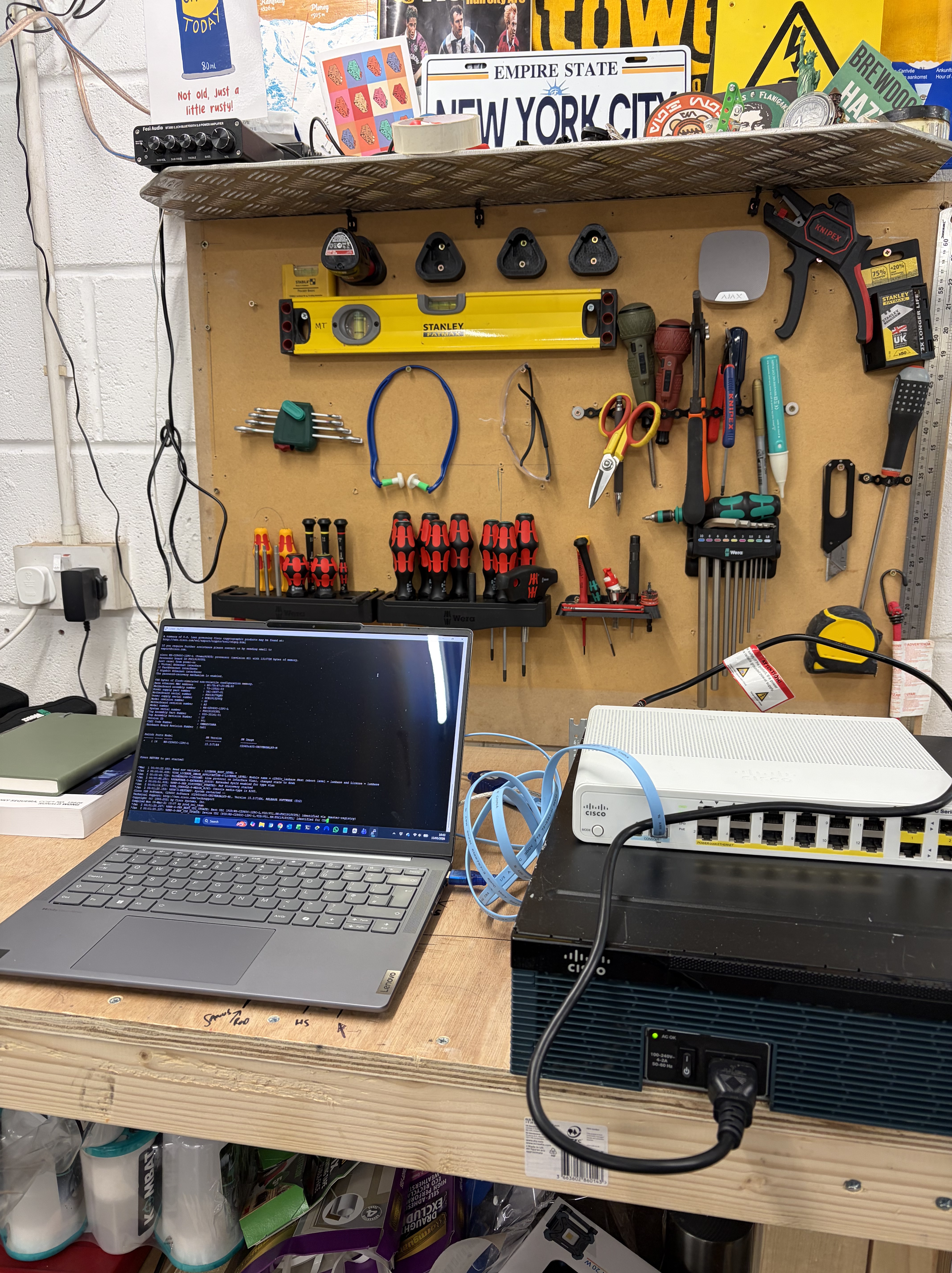
To demonstrate I quickly connected to my Cisco switch and configured 3 Vlans, 100 – Management, 110 – Operations and 115 – Owners assigning them each a bank of 4 ports on the switch. I plugged the Pockethernet into a port I had assigned to VLAN 110 (Operations). The discovery result came back showing the correct switch hostname, the exact FastEthernet port number, and the VLAN ID confirming the port was correctly tagged. I repeated this across the three VLAN banks and every port came back exactly as configured.
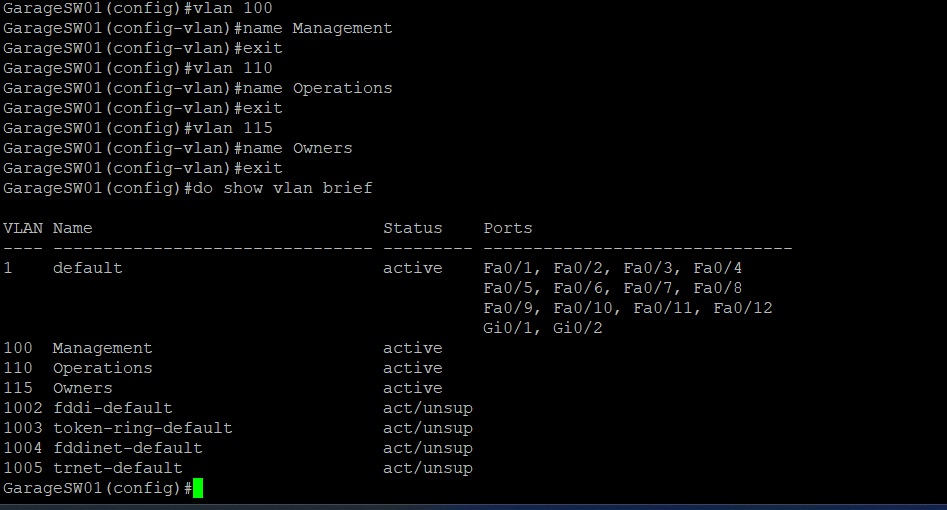
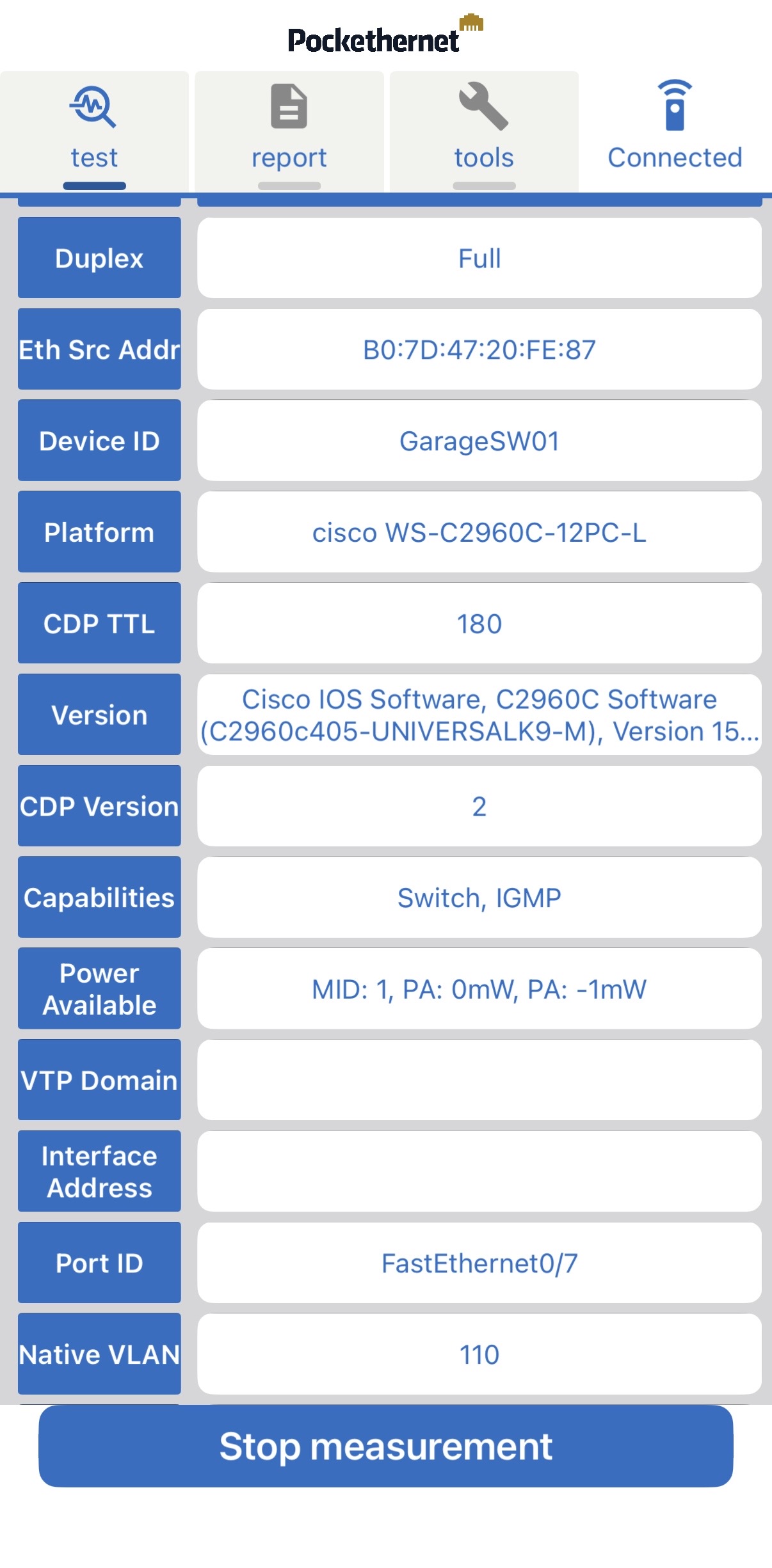
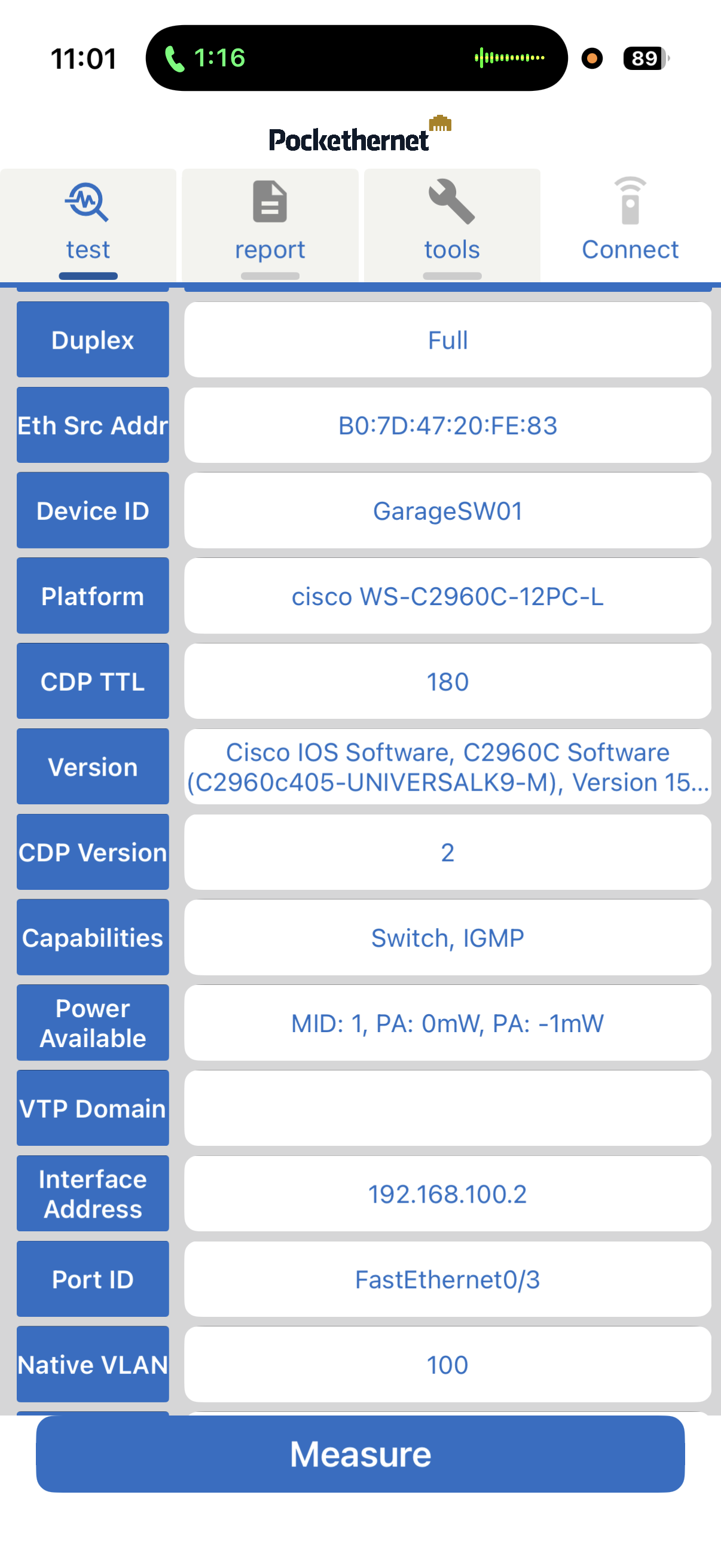
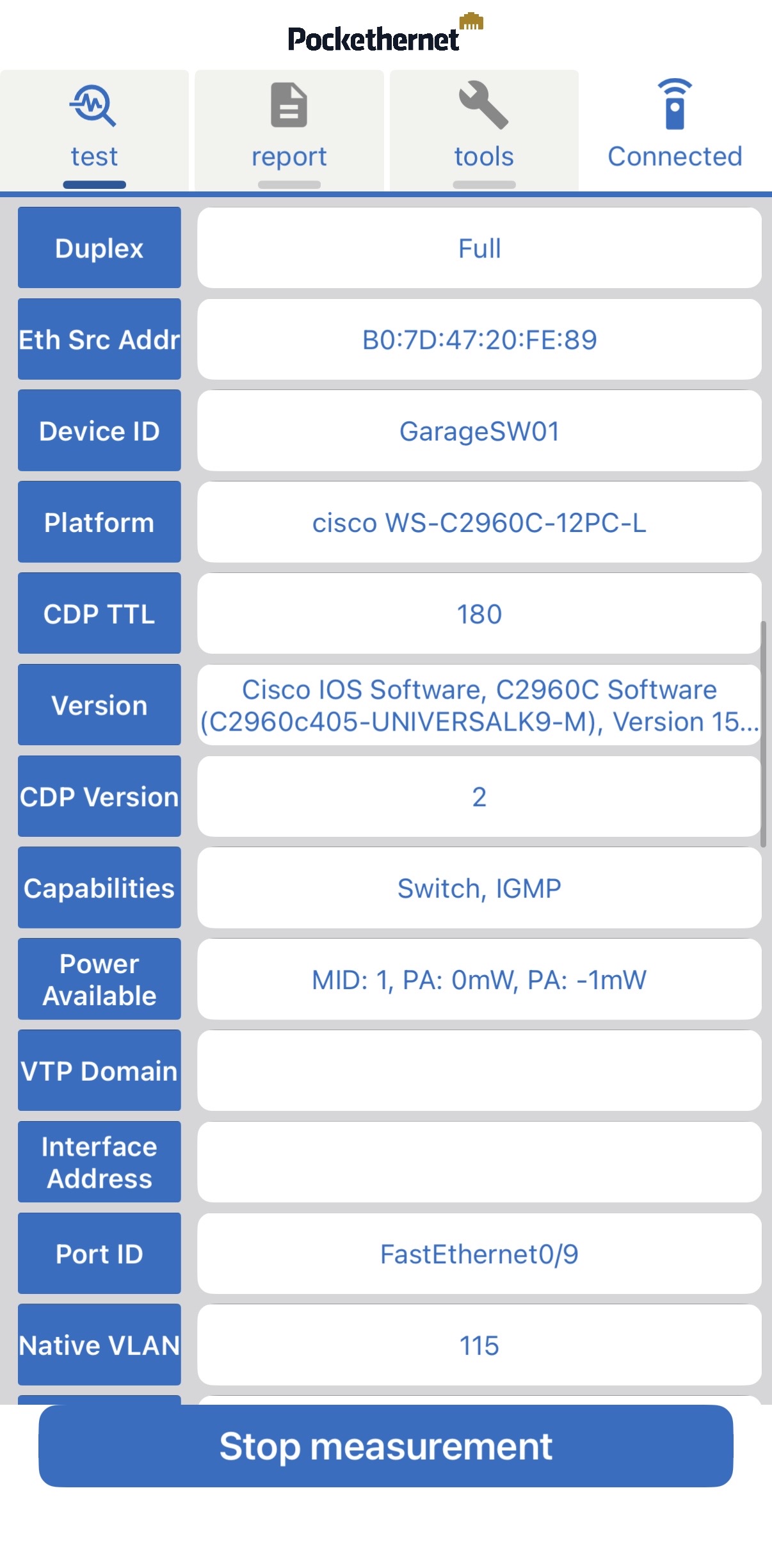
This is the kind of verification that would otherwise mean logging back into the switch and running show vlan brief and show interfaces switchport for every port in question. When you’re commissioning a rack full of switches, being able to do that from the port itself is a genuine time saver.
If you work with managed switches in a data centre, on a vessel, in an office or just in your home lab it’s one of those tools you don’t realise you needed until you have it, and then wonder how you managed without it.

Leave a Reply